Try one here · drag the slidersDrawn on this page
How does compound interest grow my savings?
$1,967
$1,000 at 7% for 10 years grows to $1,967. That’s $267 more than simple interest, because each year’s interest earns interest too.
Springle lessons. On Mac and Windows.
Ask about the page you’re reading, or about anything at all. Springle draws you a lesson beside it, talks you through it step by step, checks you’ve got it, and keeps it for later.
Free to start · Mac and Windows · Only listens when you call
Listening
“How does this work?”
Teaching · The water cycle
Ask how anything works. Springle draws it step by step talks you through it, checks you’ve got it and keeps it for the day you need it again. Then it rests, until you call.
01Watch it drawn
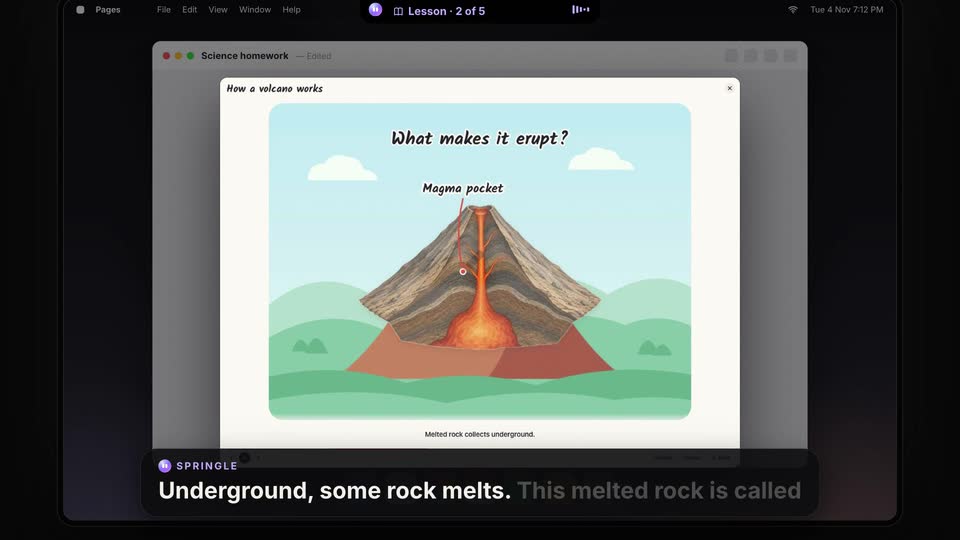
Springle draws each step on a board as it talks, so you see the idea build. Ask for it simpler or deeper, spin the model, drag the numbers, then quiz yourself.
Six short films, each one real Springle from the ask to the end, filmed on a Mac. Lessons work the same way on Windows.
One tap redraws it in place: fewer parts, or more detail, the same picture.
3D models you can spin, sliders that change the numbers in the words.
Ask on a page you’re reading, and the lesson marks the words it’s explaining.
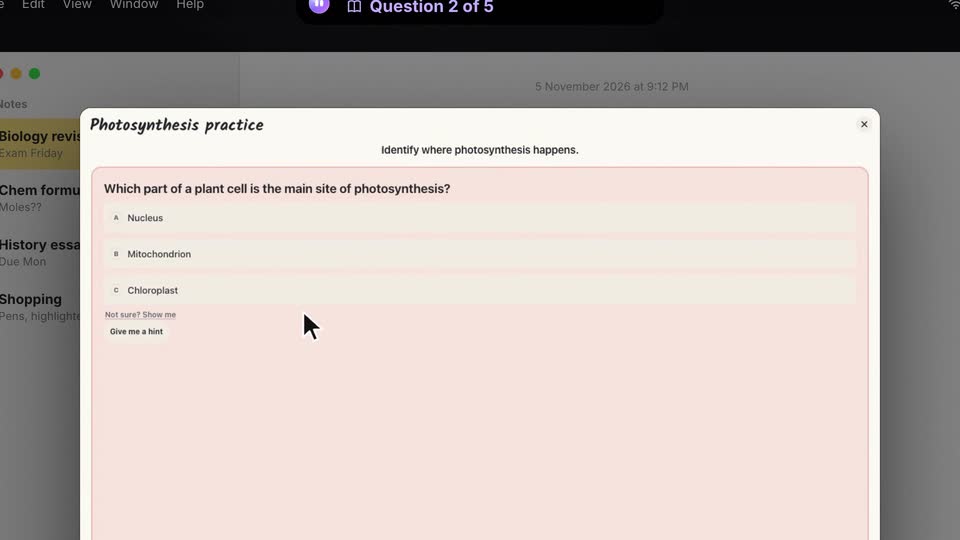
A few questions at the end, scored, with the reason shown after each answer.
$1,967
$1,000 at 7% for 10 years grows to $1,967. That’s $267 more than simple interest, because each year’s interest earns interest too.
On any page
“How does this work?”
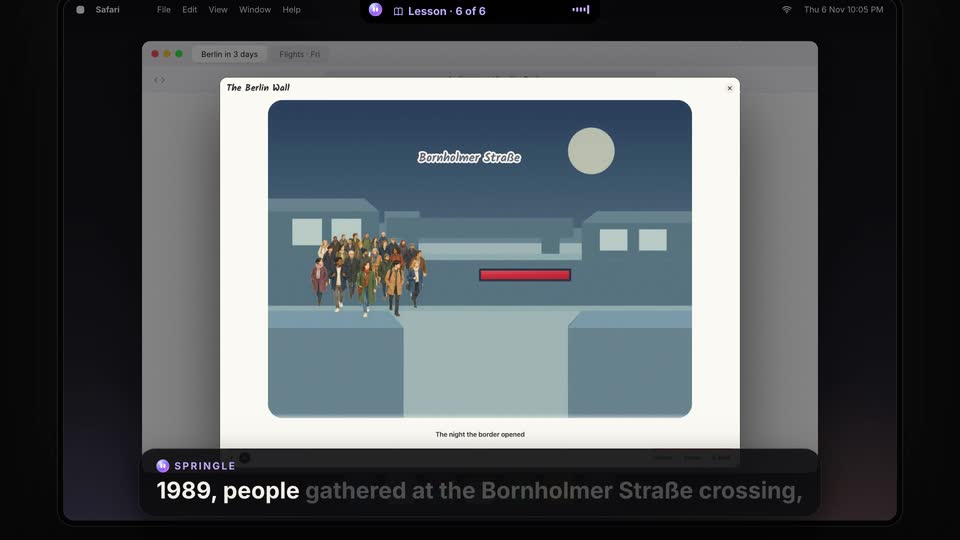
Ask on an article, a PDF or a letter you’re trying to make sense of. The lesson opens beside it and marks the words on the page as it talks.
02Pictures that fit
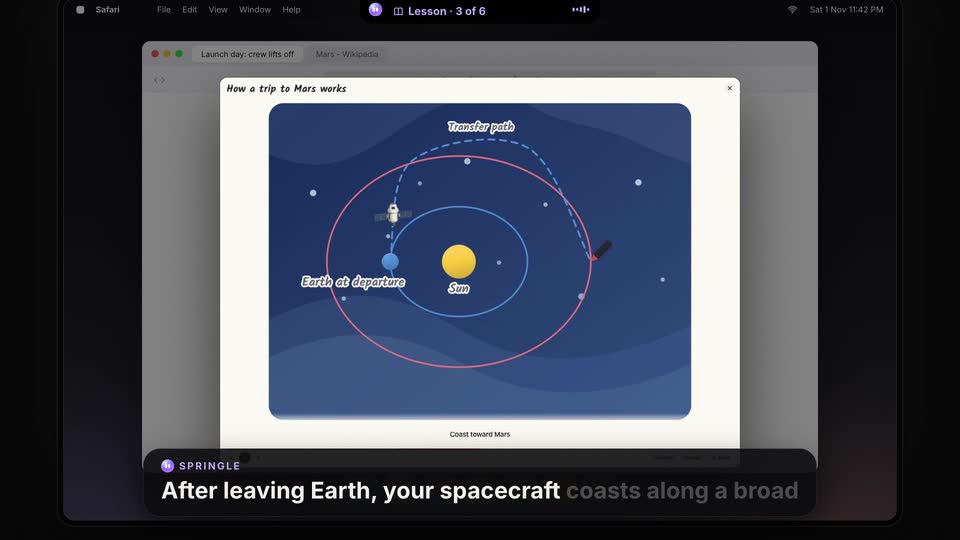
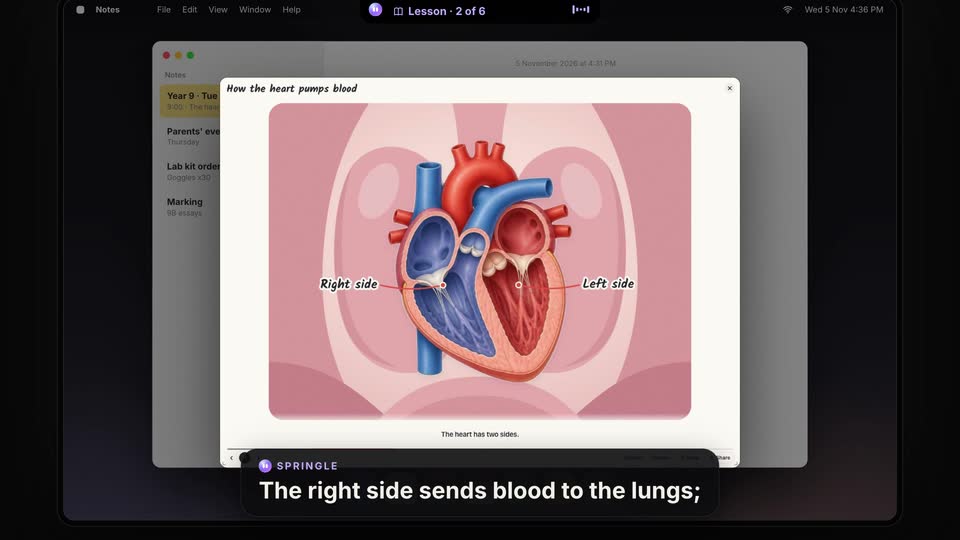
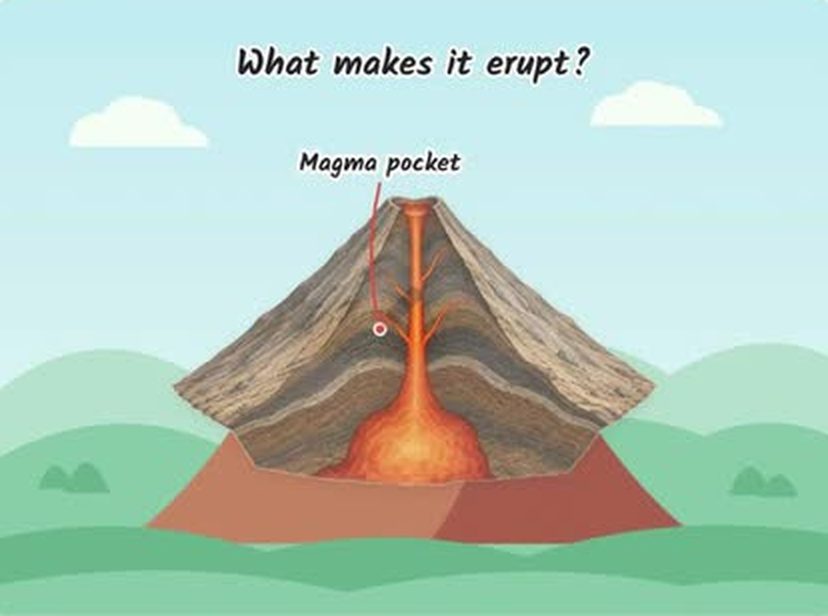
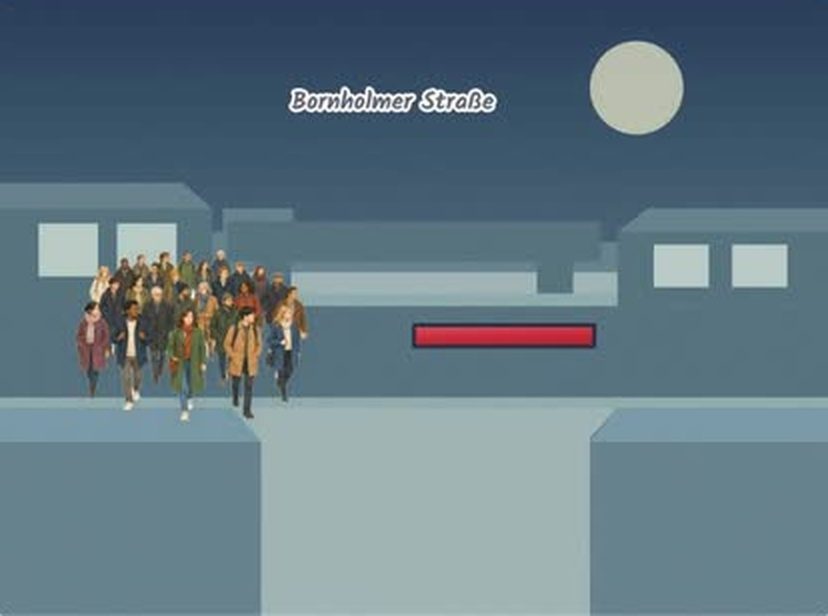
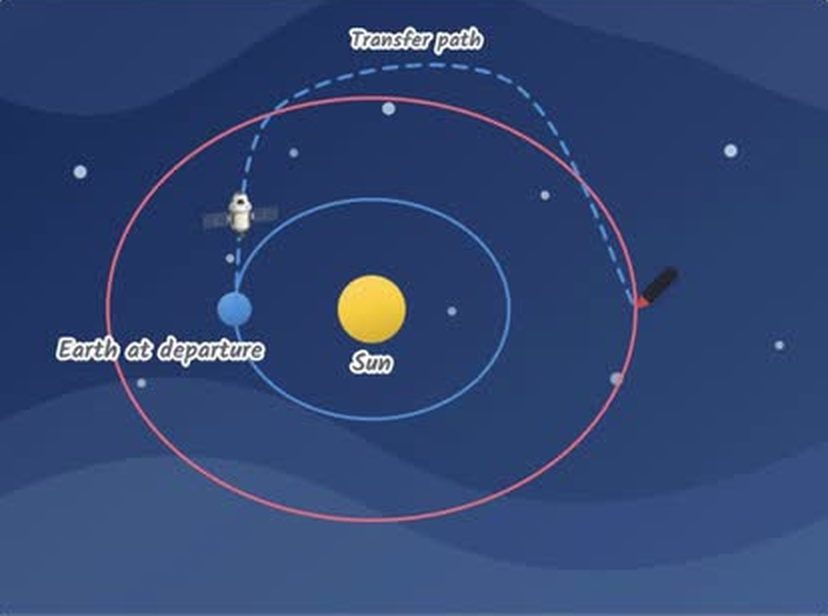
Paintings, photos, maps and cutaways appear when they help you see it. Springle looks at each one before it shows it, so the picture matches what it’s saying.

03Finish strong
At the last step, Springle asks how it went and suggests where to go next. When the lesson is about something you can do on your computer, it offers to do it with you. All with a tap.
How was that?
Still lost redraws it simpler, where you are. Too easy takes it deeper. Got it is a thank-you, and the lesson is yours to keep.
Up next
Where would you like to go from here?
Tap one and the next lesson starts, carrying on from this one.
Try it yourself
You learned how to set up an email filter. Want to make one now?
When a lesson is about something you can do on your computer, it ends with doing it.
04Keep going
A good story doesn’t stop at the last step. Ask for more, and Springle picks up where it left off, or starts a new lesson that remembers the last one.
Press it to carry the story on.
SoonRead more
Finish a lesson and open the Wikipedia article on it. The lesson docks beside the page and marks the parts it’s talking about, so you can read on without losing the thread.
05Remember it
Press Keep and the lesson goes on your shelf, with its pictures, maps and quiz. Play it again, practise what you missed, or send it to someone.
PractiseStarts with what you missed
What turns water vapour back into the tiny drops that make clouds?
Plays the lesson again, step by step, with the pictures and maps it had.
Your shelf of kept lessons, saved on your computer, ready when you are.
A link that plays for anyone, on any device. No app needed to watch.
06For everyone
Say who it’s for, and the lesson is drawn and told for them.
Kids
“Teach her like she’s eleven.”
Short words, big pictures, and a quiz at the end she’ll want to get right.
Students
“My exam’s on Friday. Test me.”
Questions with the reason after each answer, and Practise later starts with what you missed.
Teachers
“For my class of 14-year-olds.”
Make one, keep it, and share the link. It plays on any screen in the room.
Everyday
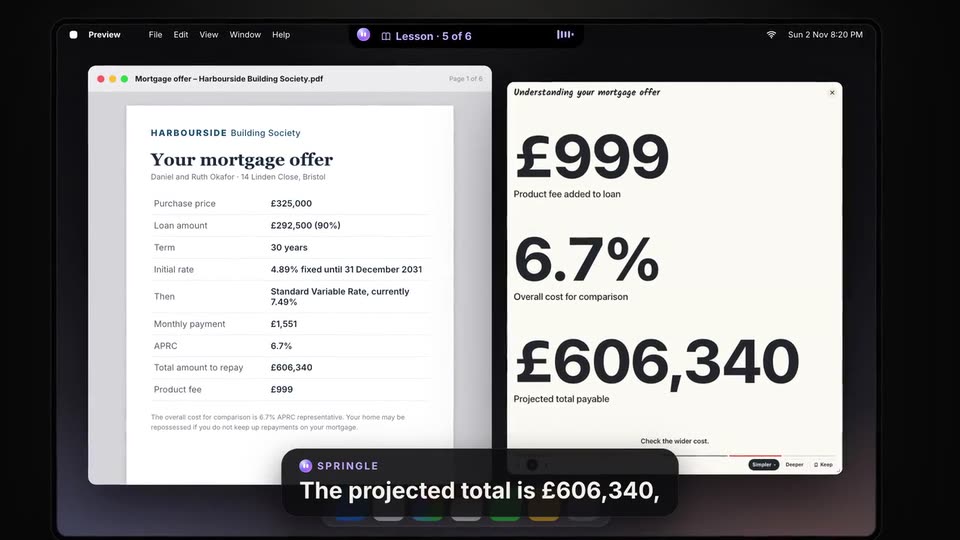
“What does this offer mean?”
Beside the letter or PDF you’re reading, in plain words, marking the lines that matter.
07Get it
The same lessons on both. Springle rests at the top of your screen, seeing and hearing nothing, until you hold two keys and ask.
Windows 10 and 11 · early access
Springle for Windows
Lives at the top of your screen. Hold Ctrl Alt and ask.
See it on a PCOnly when you call. It listens only while you hold the keys. Lessons you keep are saved on your computer. How your data is handled
Start free. Every plan includes lessons. Upgrade inside the app when you want more. See plans
?Questions
A chatbot gives you paragraphs. Springle draws the idea step by step and talks you through it, beside whatever you’re reading. It lets you make it simpler or deeper in place, quizzes you at the end, and keeps the lesson so you can come back to it.
Say how old they are, or who the lesson is for, and it’s pitched at them: shorter words, bigger pictures, and a quiz at the end. Kept lessons stay on your computer.
Yes. Ask on any page, PDF or document, and the lesson opens beside it, marking the words on the page as it talks. In Chrome and Edge, the Springle extension lets it mark web pages exactly.
Lessons show where their facts came from, tucked out of the way until you want them. When a question needs today’s facts, Springle reads up first and names its sources. Pictures are checked against what each step says before they’re shown.
Press Keep and the lesson goes on your Learn shelf, saved on your computer, where you can replay it or practise. Share makes a link that plays for anyone, on any device.
Yes. Springle for Windows is in early access for Windows 10 and 11, with the same lessons as the Mac. See what it does on a PC.
Springle is free to download and use, and every plan includes lessons. Paid plans give you more asks each month: see pricing. You can upgrade inside the app any time.
Lessons on Mac and WindowsSend yourself the link for later.
Download