For you
Learn the method, not the answer
Springle explains the idea step by step, then asks you questions on it, with the reason after every answer, right or wrong. The point is the next question, the one you do on your own in the exam hall.
For students. Free for your Mac.
Open your slides, a PDF or a past paper and ask about the part you don’t get. Springle draws it out beside the page, talks you through each step, then tests you until it sticks.
Free to start · macOS 14.2 and later · Looks only when you ask
Listening
“Solve question 2 and explain each step.”
Teaching · Question 2, part (a)
Your turn · Quiz
What a tax does to a market
Start with the market before the tax. Demand and supply meet at a price, P1, and a quantity, Q1.The tax lifts supply by $2. Buyers now pay more, P2, sellers keep less, and fewer are sold, Q2.Your turn. In this market, who pays more of the $2 tax?
01A night of study
Five frames from one evening with a biology lecture. No second tab, no copying and pasting, no wall of text.
9:02 pm
The lecture you half followed. Slide 14 squeezes a whole cycle into one diagram.
9:03
On the slide you don’t get, hold ⌃ ⌥ and ask in your own words. Or type it.
9:04
The lesson opens beside the slide, drawn as it talks, with captions. Simpler or Deeper redraws it in a tap.
9:09
A few questions, with the reason after each answer. Get one wrong and it tells you why.
9:11
Every lesson you keep is there to watch again. The week before the exam, practice starts with what you missed.
An illustration of one evening. How long a lesson takes depends on what you ask.
02Subjects
Mechanisms, cycles, diagrams and graphs. If your course is full of them, Springle was made for it. A few things students ask:
“Why does left heart failure back up into the lungs?”
“Take me through the stages of wound healing on this slide.”
“Why does this drug need a loading dose?”
“Teach me the whole Krebs cycle.”
“Why does this reaction go faster when it’s hotter?”
“Why do both balls land at the same time?”
“How does this truss carry the load?”
“Who pays more of the tax when demand is inelastic?”
“Why does a bond’s price fall when rates rise?”
Keynote, PowerPoint, Google Slides, or the PDF your lecturer posts.
Taught with the paper’s own question and figure, marks and all.
PDFs, handouts, course sites and the notes a friend sent.
From the Library
Lessons people asked Springle for, then shared to the Library. Each plays in your browser with sound, no sign-up.
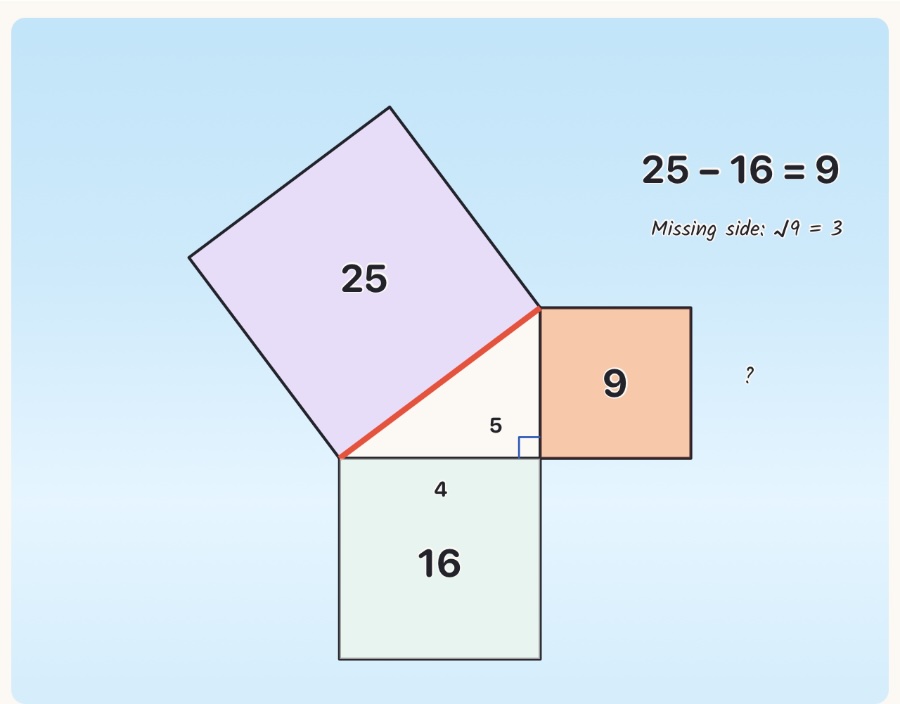 Pythagoras’s theoremMaths · 1 min
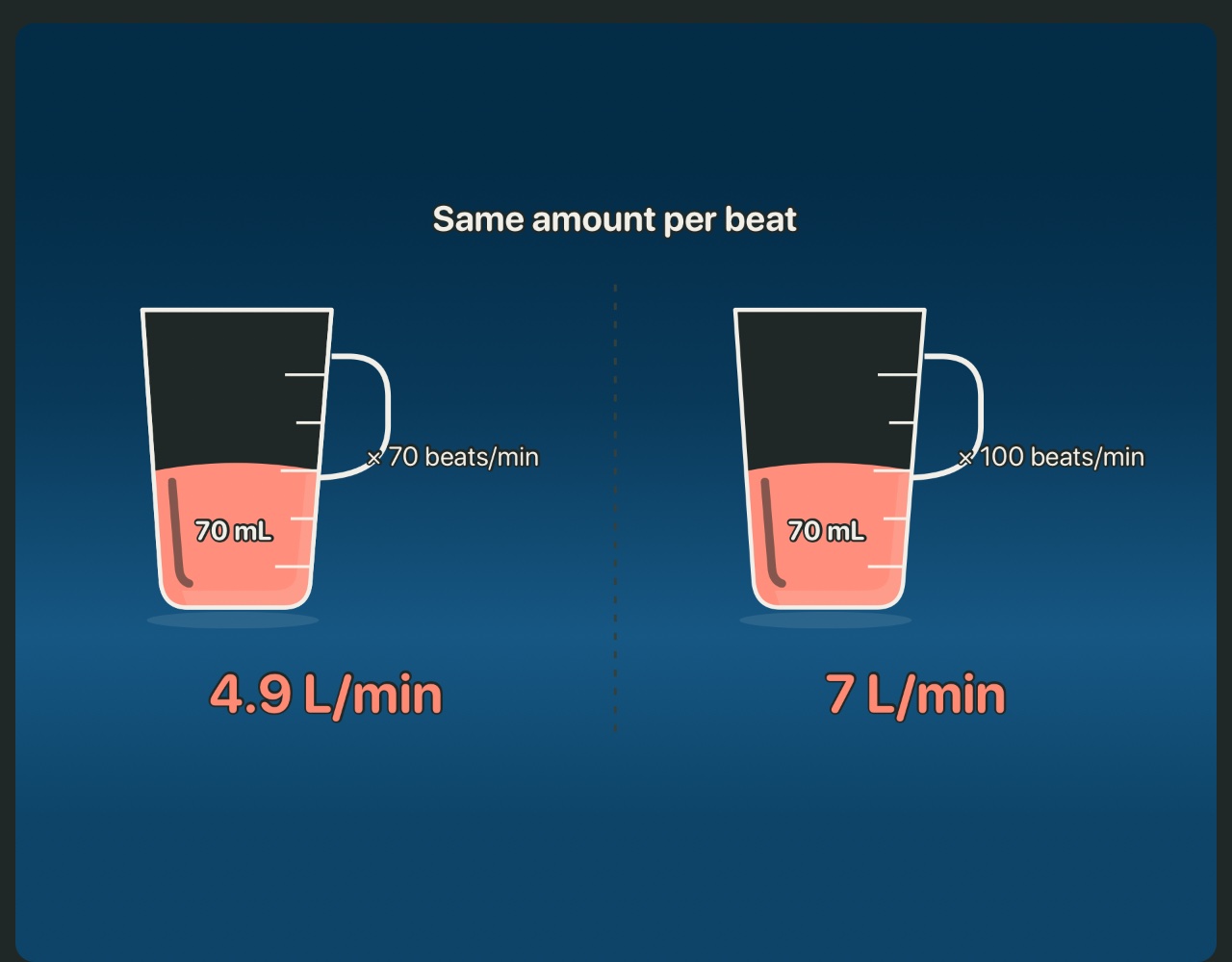 How your heart pumps bloodMedicine · 2 min
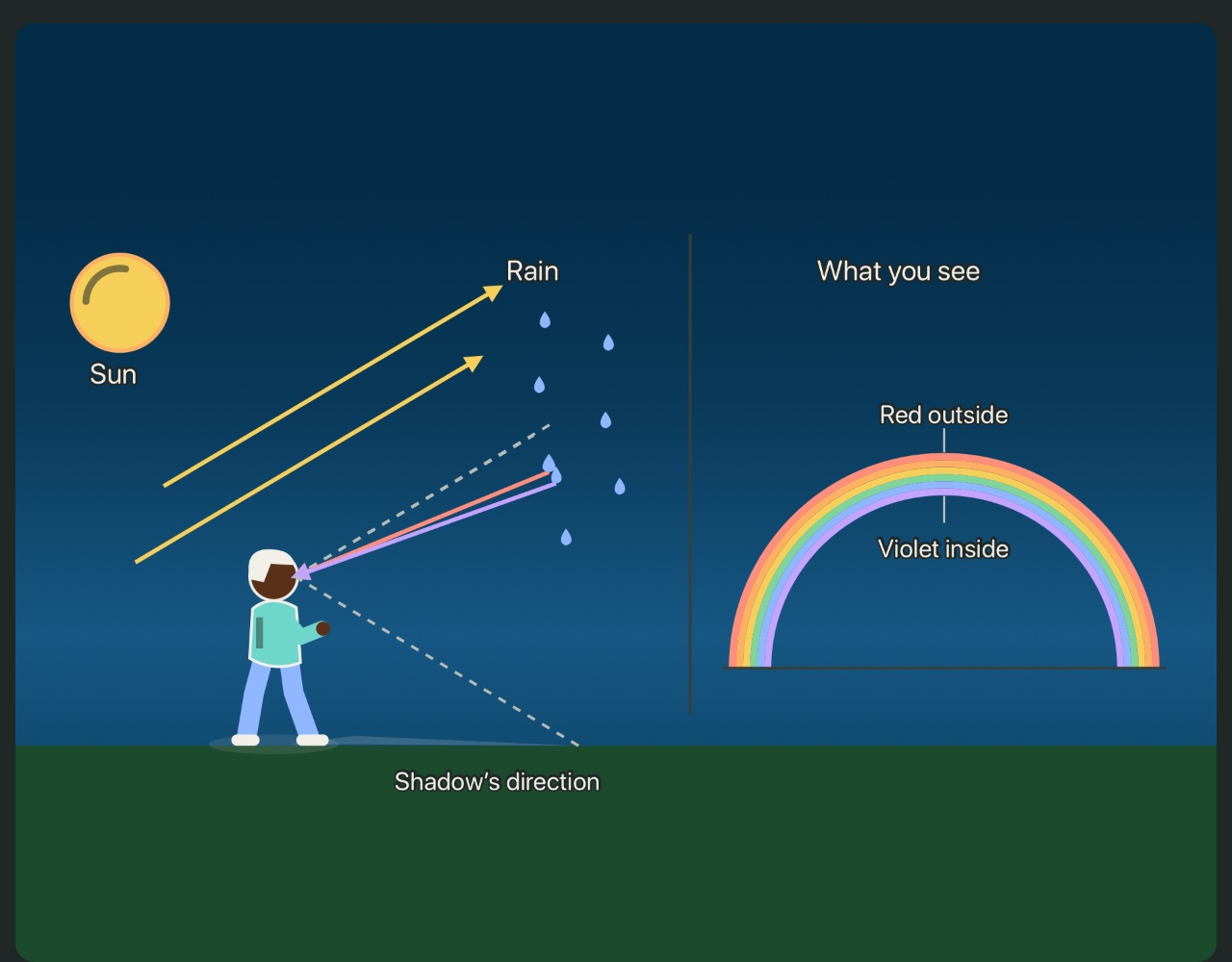 How rainbows formPhysics · 1 min
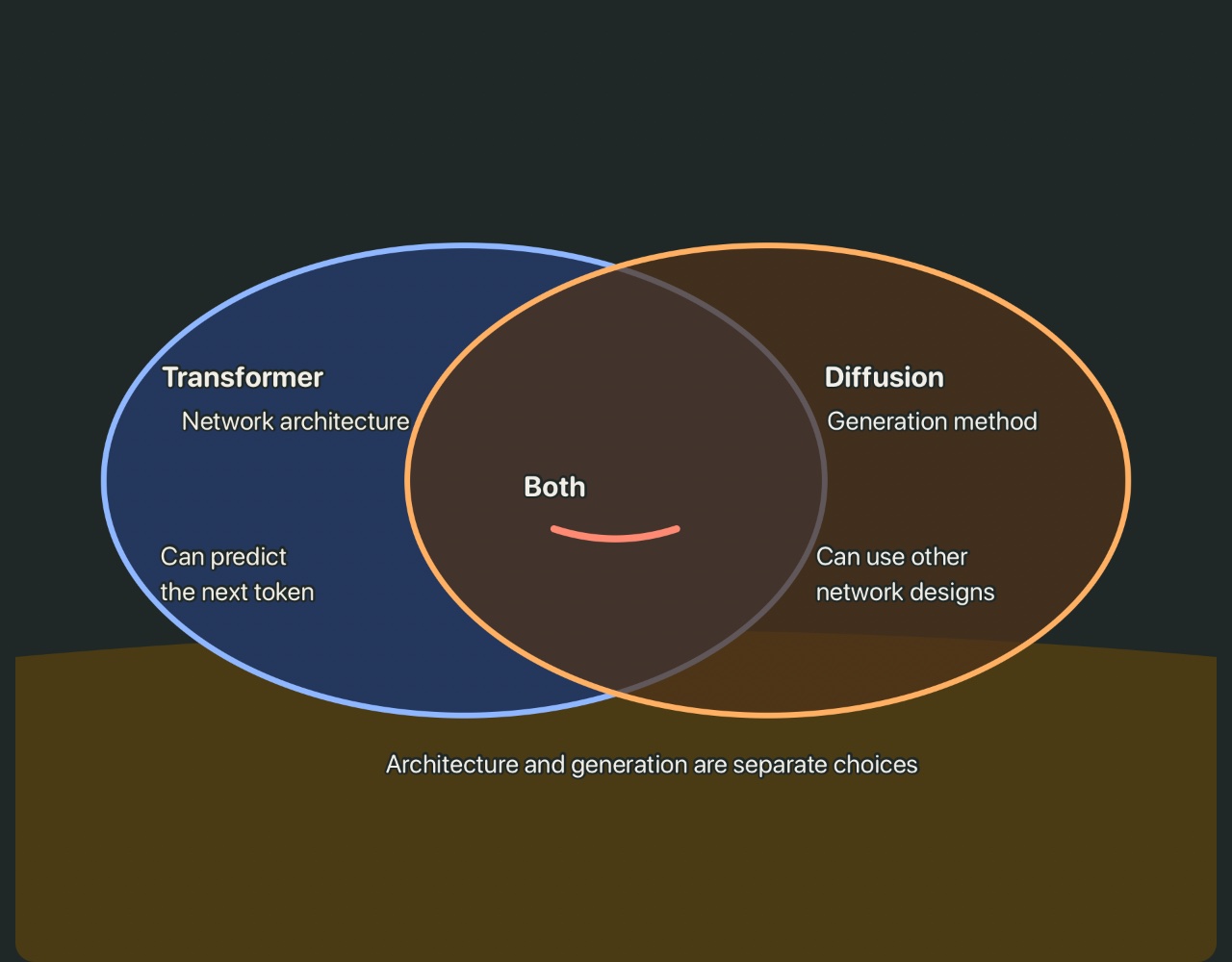 How transformer language models workComputing · 5 min
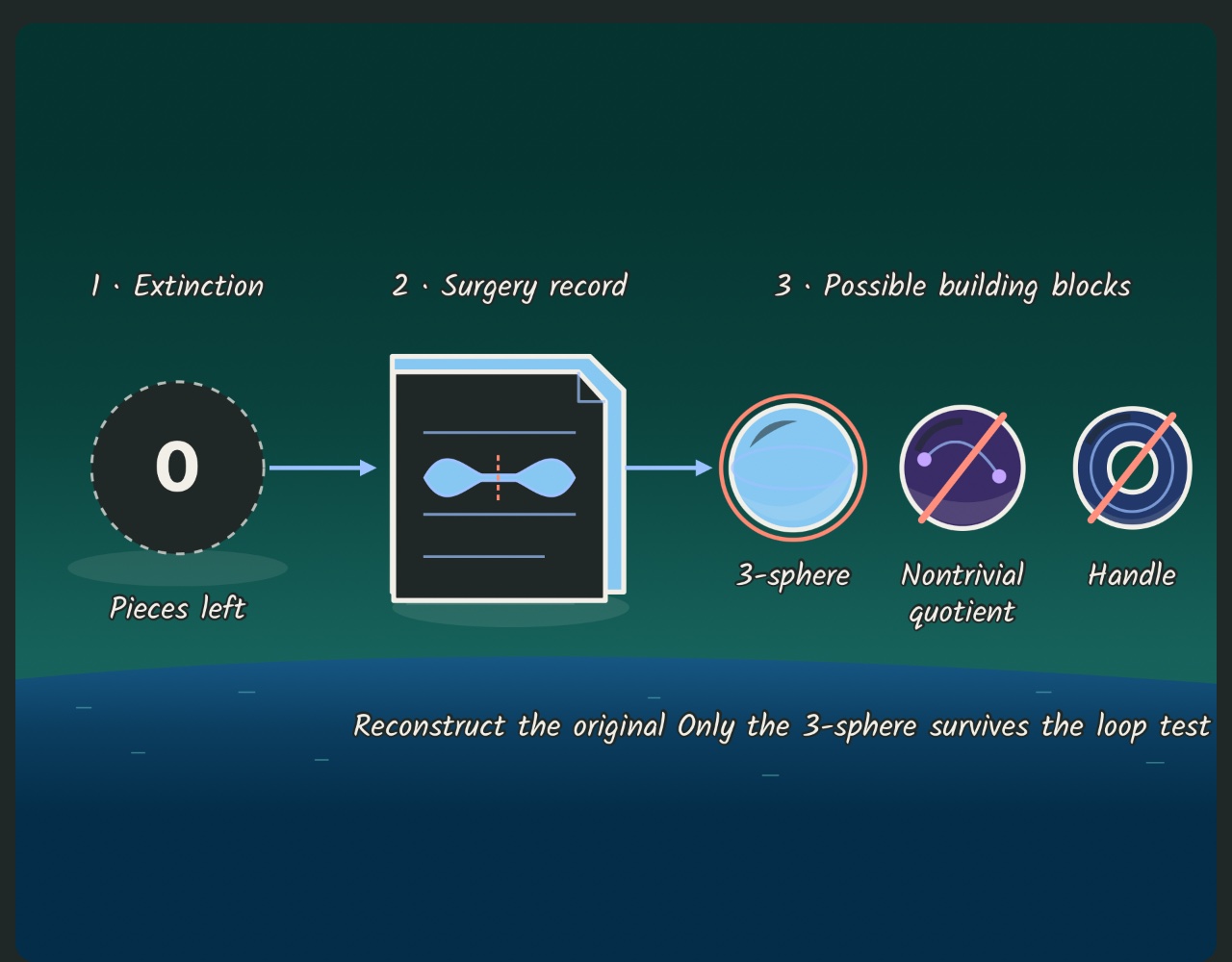 The Millennium Prize ProblemsMaths · 9 min
Maths, medicine, physics, computing, how things workBrowse the LibraryThe Springle LibraryFree · no sign-up
03Big topics Next update
“Teach me the whole Krebs cycle” starts with the big picture, then goes deeper, one part at a time. Stop after any part, and pick up where you left off.
04Teach, then test
A lesson shows you how, step by step, then asks you questions until you can do it on your own.
For you
Springle explains the idea step by step, then asks you questions on it, with the reason after every answer, right or wrong. The point is the next question, the one you do on your own in the exam hall.
For whoever’s paying
Every lesson can end with a quick test, and practice goes back over what was missed. It’s free to start, so you can see what it does before anyone pays a thing.
Before an exam
It marks the words on your page that it’s explaining, and when a question needs facts, it names its sources. Still check anything your marks depend on against your course notes.
SoonSpringle for iPhone
On the bus, in the library, at the kitchen table. Point the camera at a worksheet or a textbook page, and the lesson is drawn right on your phone.
05Price
Your first lessons every month are free, with no card. When you want lessons all month, one plan costs less than a single hour with a maths tutor, and it works on every subject, at midnight, the night before.
A month of Springle
Under $46
Any subject, any page, as often as you’re stuck. Dictation and scam checks are always free.
1 Wiingy, What is America paying for private tutoring?, updated 29 September 2025: average maths tutoring rate across five US tutoring marketplaces.
?Questions
Anything with ideas you can draw: medicine and nursing, pharmacy, biology, chemistry, physics, engineering, economics, finance and maths. It works on essay subjects too, laying out an argument or a timeline, but it shines on mechanisms, cycles, graphs and diagrams.
It reads the page you’re on and marks what it’s explaining, so you can see where each step comes from. When a question needs facts, it reads sources and names them. Still, check anything your marks depend on against your course notes or your lecturer.
Yes. Springle works on what’s open on your screen, so if you can see it, you can ask about it: PDFs in Preview or your browser, Keynote and PowerPoint, Google Slides, your course site. There’s nothing to upload.
Springle only looks when you hold Control + Option, or press its button. It never watches in the background, and password boxes are blanked. Your notebook, kept lessons and settings stay on your Mac. Every detail is in our privacy policy.
Keep it. Springle is for the moment the wall of text didn’t help. It draws the idea beside the page you’re stuck on, says it out loud step by step, then tests you on it.
Mac today, on macOS 14.2 or later. Springle for iPhone is coming to the App Store: see what it does. Springle for Windows is in early access: see what it does on a PC.
Springle is for people 16 and over.
StartFree for your Mac
Open the one you’re stuck on. Hold two keys. Watch it drawn, then prove you’ve got it.
Springle is for your MacSend yourself the link for later.
Download