Springle Help
What would you like to do?
People askSpringle can’t hear meTurn off Do it for meCancel my planSet a reminder
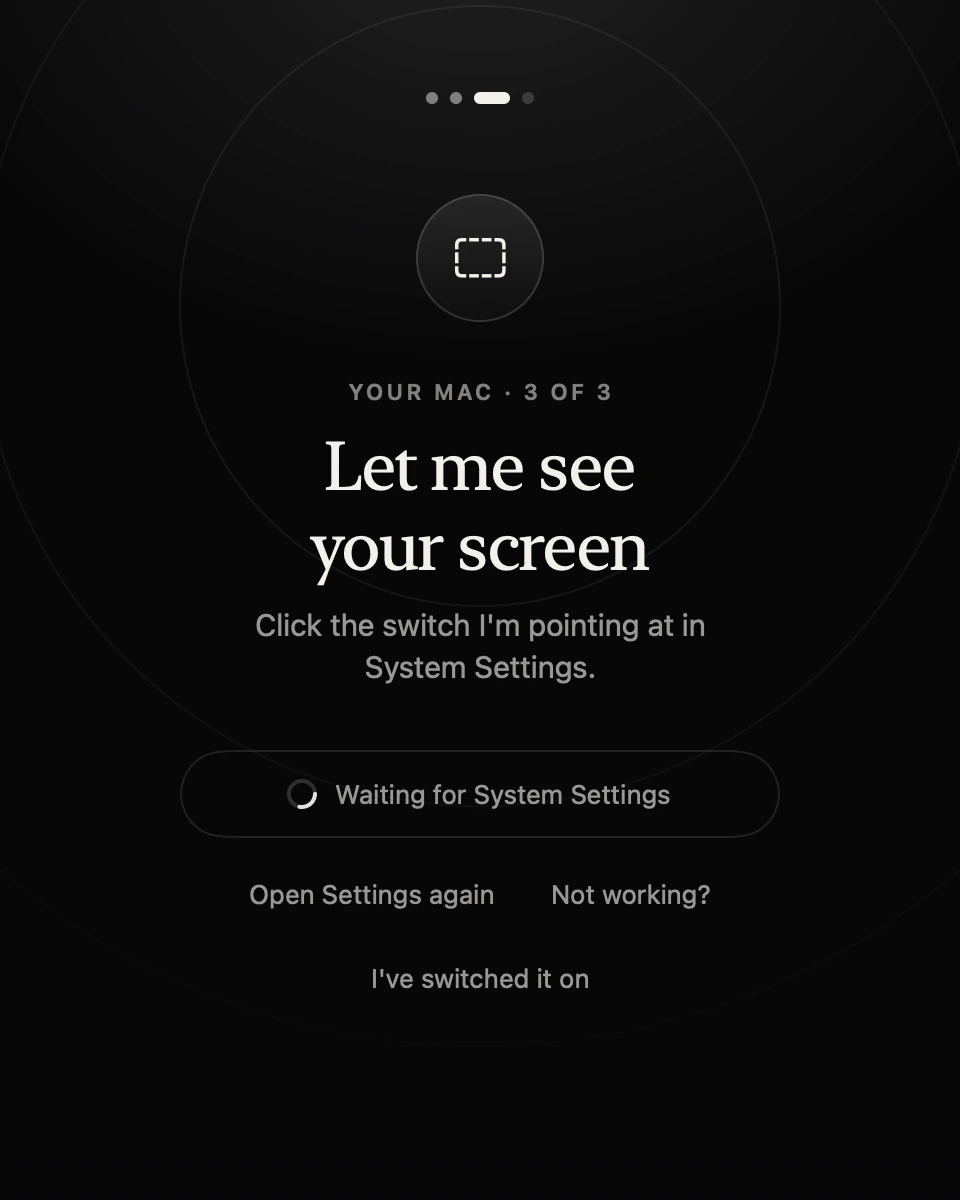 Set up in three minutesThree switches in System Settings, and what each one is for
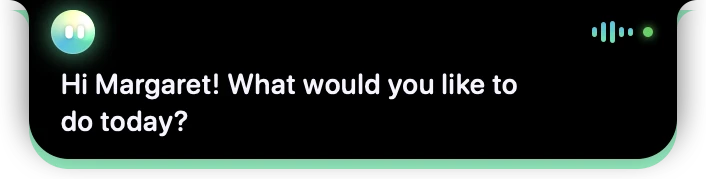 Your first askHold Control and Option, say it, let go
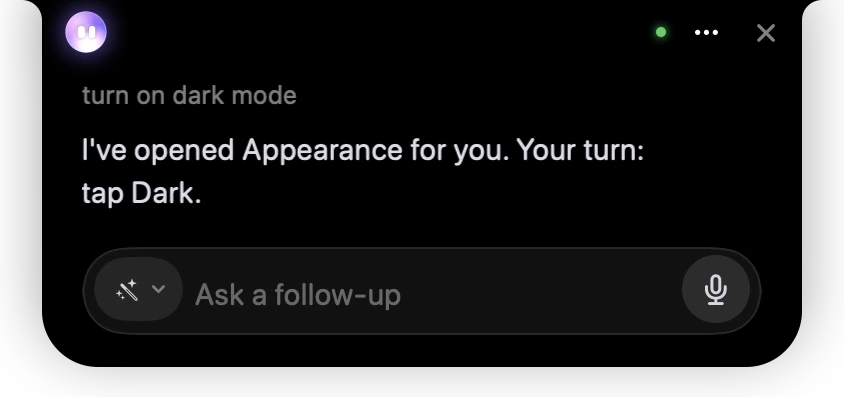 The island at a glanceWhat each colour and message in the notch means
Browse by topic
54 articlesGetting started
Install, set up, your first ask
Asking Springle
Talk, type, dictate, circle
Getting things done
Guide me, Auto, Do it for me
Notebook & reminders
Keep, Today, meetings, memory
Connected apps
Gmail, Slack, Notion, Springbase
Plans & account
Asks, talk time, Family, billing
Privacy & safety
What it sees, scam checks
Reference
Shortcuts and every setting
Something not working?
Start with what you're seeing. Each fix goes from the quickest thing to try to the most thorough.
- Springle can't hear meYou hold the keys and talk, but nothing comes through, or Springle says its microphone is off. Here's what to check, quickest first.
- Screen Recording won't turn onYou switched Springle on in System Settings, but it still can't see your screen. macOS needs Springle to reopen, and sometimes an old copy is in the way.
- Can't find SpringleSpringle stays out of sight until you need it. Here's how to find it, on a Mac with a notch, a Mac without one, or a second display.
- Clicks land in the wrong placeSpringle points at the wrong thing, clicks beside the button, or says it can't press anything. These fixes cover permissions, two displays and switching to Guide me.
- A connected app stopped workingSpringle says Gmail, Calendar or another app needs reconnecting, or a request to it fails. Reconnecting in Settings usually fixes it in a minute.
- Update won't installThere's a dot on Settings, or Springle says it's too old to keep using, and the update doesn't seem to happen. Here's how to finish it, or get the latest copy by hand.
- Send us your session logSpringle keeps a plain record of what it did on your Mac. If something goes wrong, sending it to us is the quickest way to get help.
Still stuck? Write to a person.
Tell us what you were trying to do and what happened. If you can, attach your session log: here's how.